
Try It Out Submission – AutoBook/CareConnect
Upload the screenshots of the scheduled appointment and the appointment cancellation confirmation screen to complete this course. The appointment scheduled should be based on the Try It Out Document provided in the first lesson of this course.
How to take a screenshot:
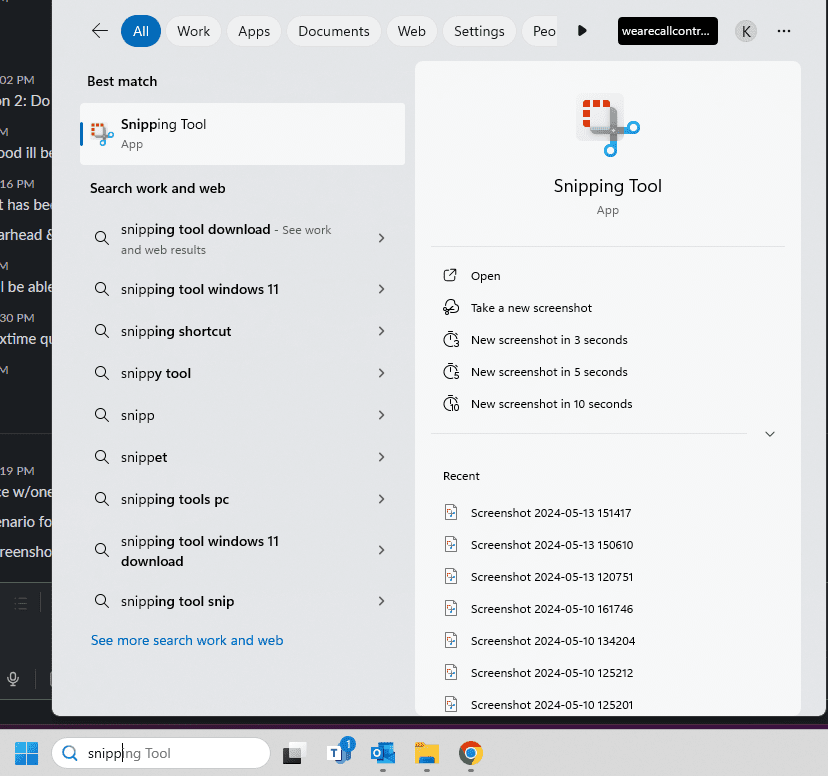
Search snipping tool in your Windows search bar. Select New and highlight the area you would like to screenshot.
Save the screenshot or copy and paste it the image into a document that you will save & be able to upload.