
Finding Your Customer in WiAdvisor
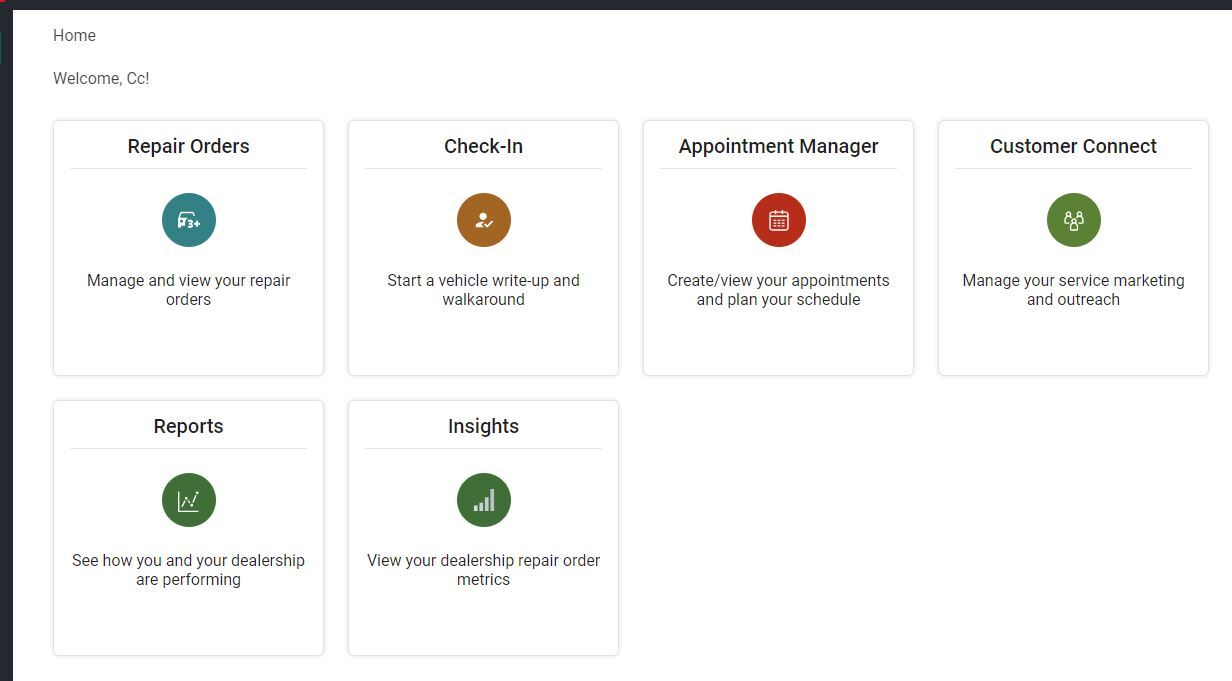
Beginning with your landing page in WiAdvisoryou will select “Customer Connect.” The other boxes displayed will vary depending on dealership preference, but your “Customer Connect” box is your first step towards a successfully scheduled appointment.

Next, to actually begin searching for your customer, you will need to select “Search” as indicated by the oval and highlighting below.
Once you have located the correct customer account, select the Calendar/plus sign shown at the far right of your customer record.
Use this screen to confirm all relevant customer information. Then, select the plus sign on the right of your screen to continue into the appointment setting process. This icon is highlighted with a blue circle and label in the screenshot shown below.
