Transportation & Advisor Selection
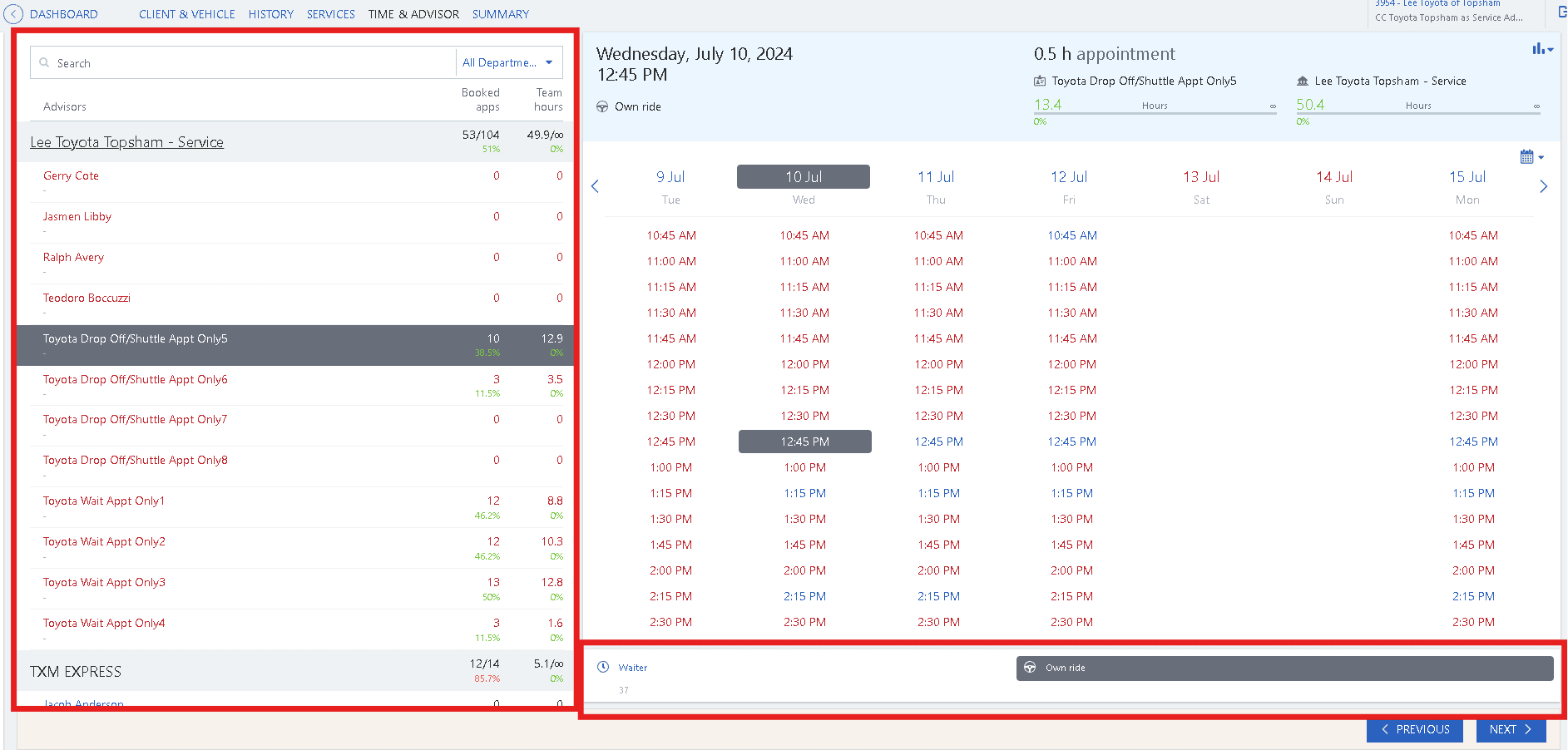
After setting up your RO you will see the calendar screen. There is a lot going on with this screen but we will start with Advisors and Transportation. Both of these areas are highlighted using red rectangles in the screenshot below.
- On the left side of the screen you will see the advisor selection please ensure you are sticking to the dealership requirements on this.
- At the bottom of the calendar itself is where you will find your transportation options. In this system “Own Ride” is what we select for drop offs.